How to Use Keyboard Tester for Key Checking
Use Keyboard Tester to check letters, function keys, arrows, modifiers, and numeric keypad behavior in a clean browser based layout.
Read MoreRead practical help for key checking, laptop keyboards, Mac layout testing, browser support, troubleshooting, and safe use.
Use Keyboard Tester to check letters, function keys, arrows, modifiers, and numeric keypad behavior in a clean browser based layout.
Read More
A practical workflow for testing every keyboard key, reviewing stuck buttons, and confirming accurate input before daily work.
Read More
See how writers, students, gamers, and office users can run quick typing checks without installing extra software.
Read More
Beginner friendly advice for using an online keyboard test, reading highlighted keys, and spotting common keyboard issues.
Read More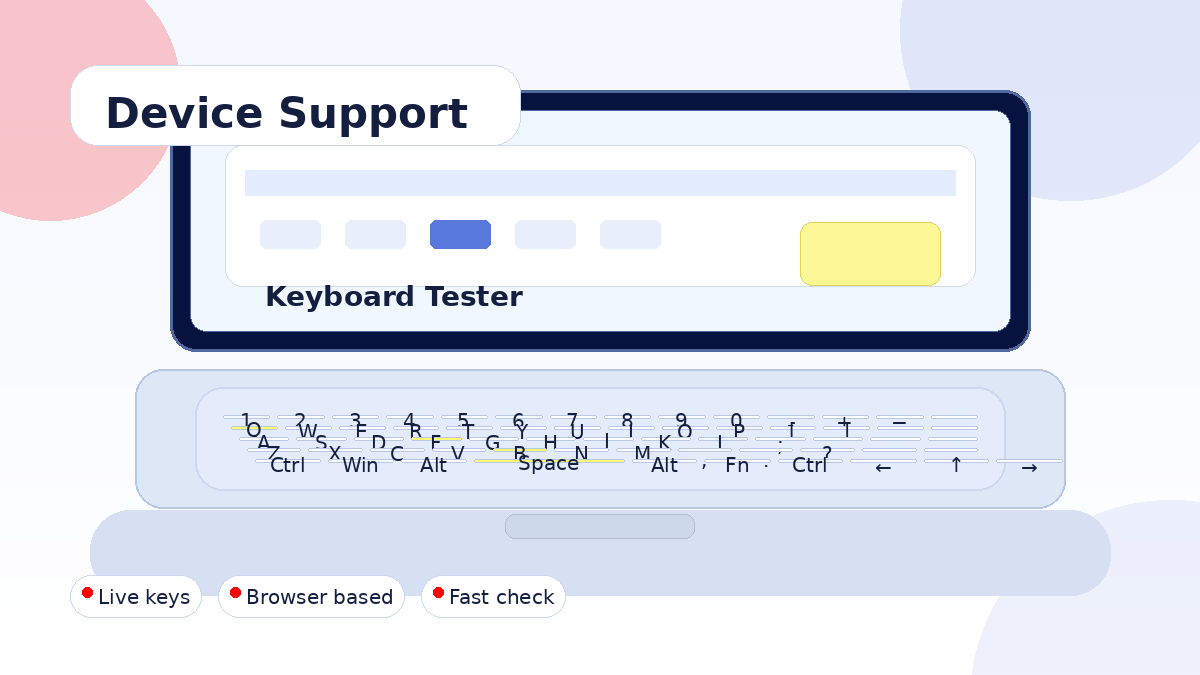
Check how Keyboard Tester works across Windows, macOS, laptops, desktop keyboards, browsers, and touch devices.
Read More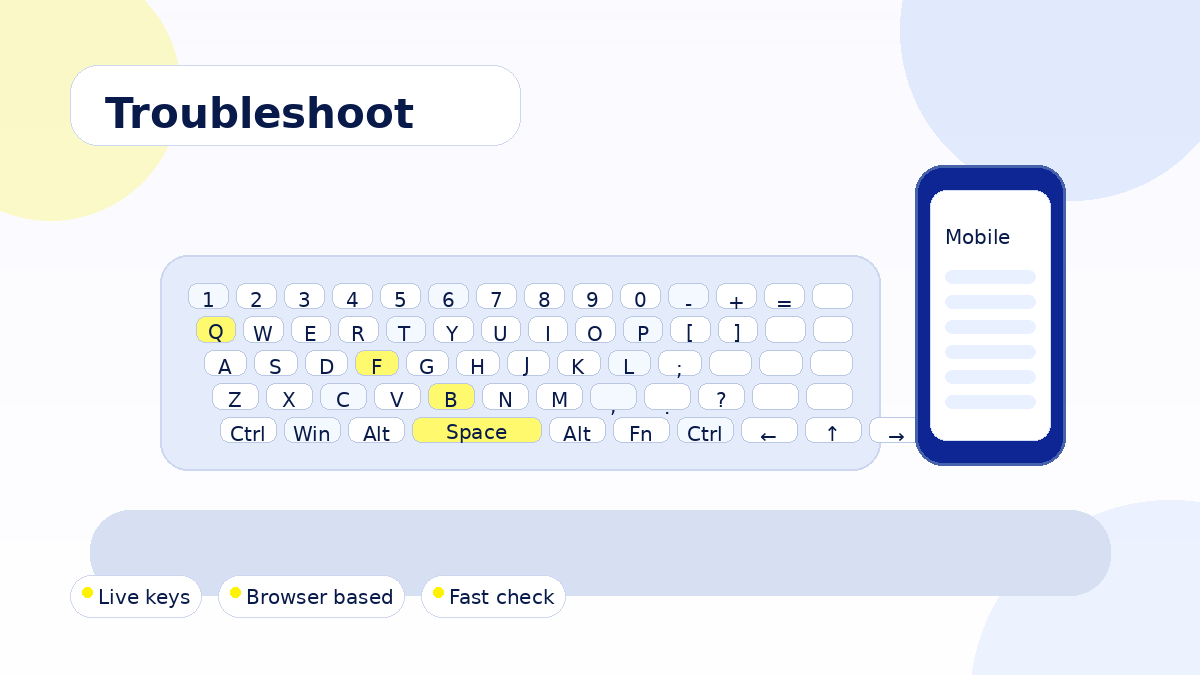
Troubleshoot repeated keys, dead buttons, modifier problems, number pad errors, and browser input conflicts.
Read More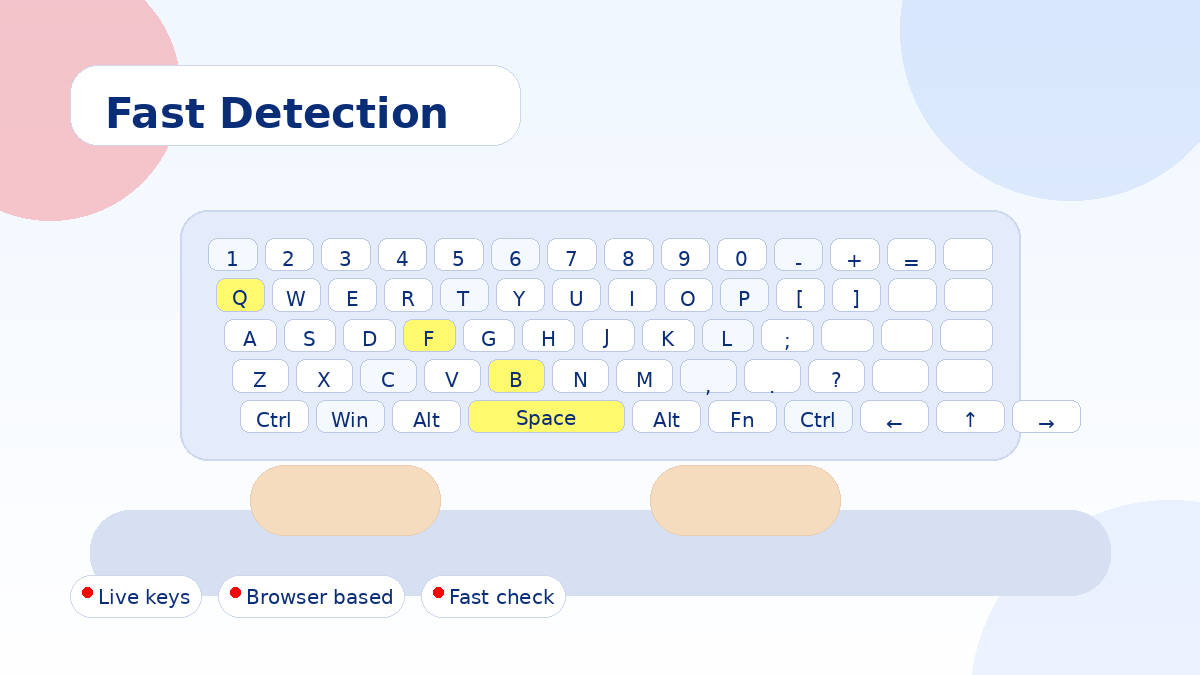
Fast browser based detection tips for checking pressed keys, typed input, shortcuts, and layout response.
Read More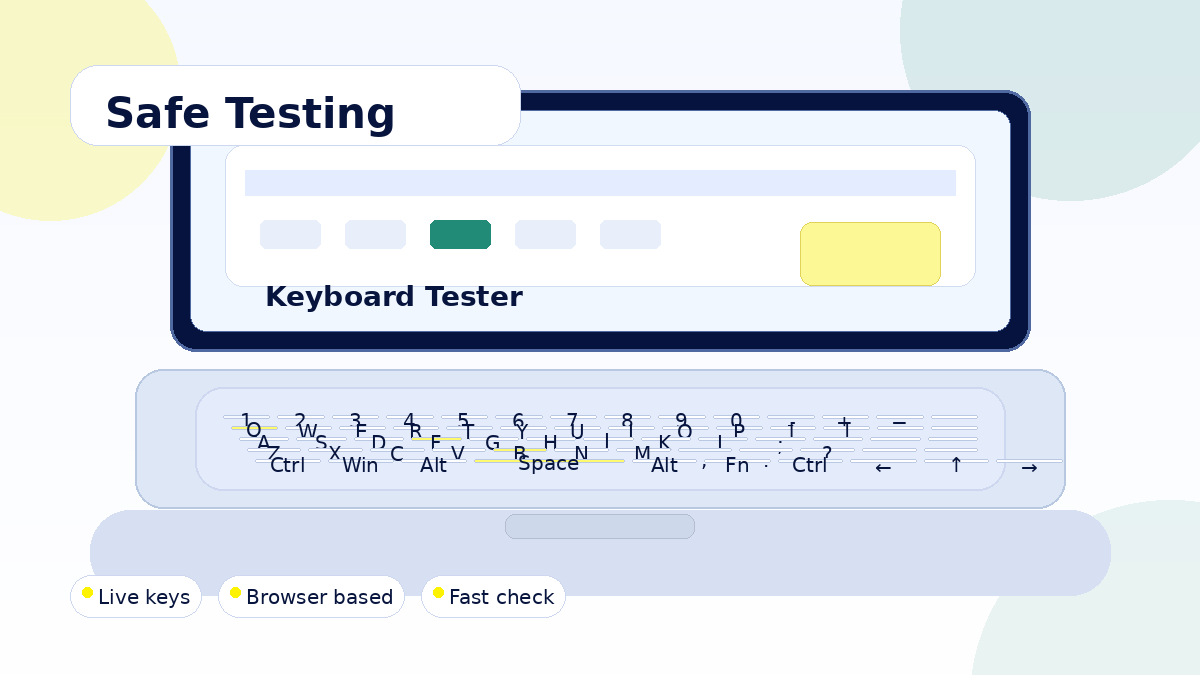
Understand safe browser testing, privacy friendly use, local key detection, and responsible keyboard checks.
Read More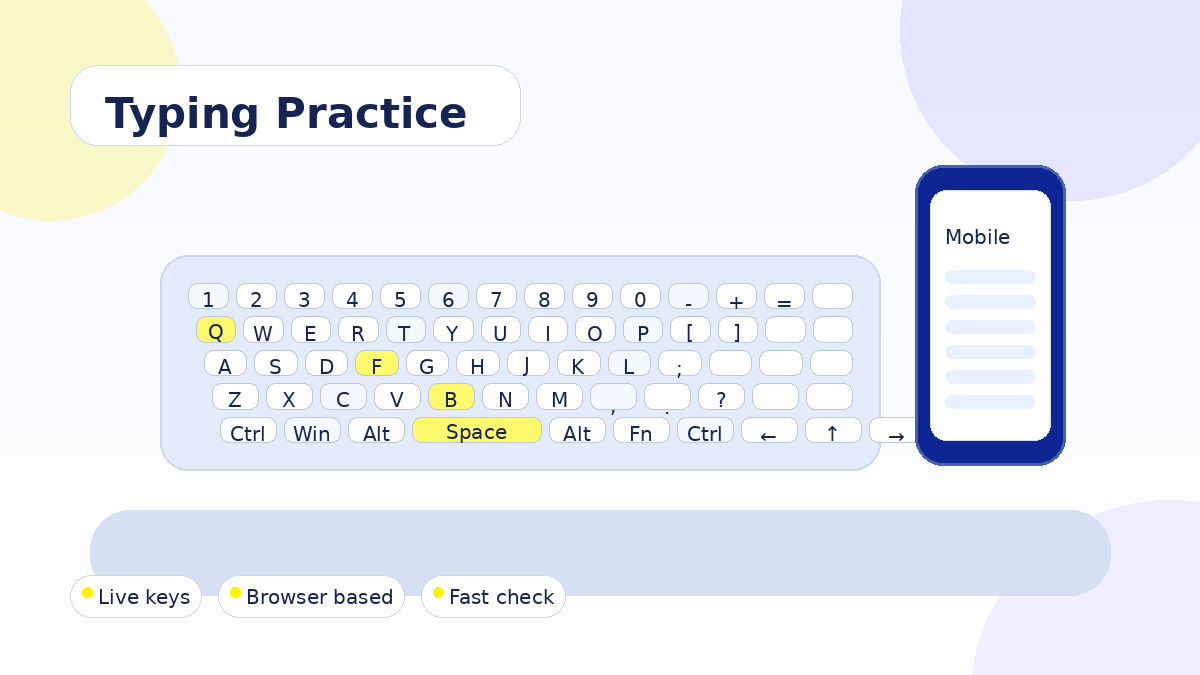
Use the live keyboard display like a simple practice board to build accuracy, speed, and confidence while typing.
Read More